Black Eye Risk Calculator
How likely are your photos to have black eyes?
Enter your shooting conditions below to calculate the risk of black eye effect in your photos.
Risk Assessment
How to reduce black eye effect:
- Use external flash bounced off walls/ceiling
- Maximize ambient light (open windows, turn on lights)
- Shoot at wider apertures (f/2.8 or lower)
- Use red-eye reduction mode or adjust ISO
Ever snapped a photo of a bride or groom and noticed their eyes look like two dark holes? It’s not a filter glitch. It’s not bad lighting. And no, they’re not secretly angry in the picture. This is a common issue in wedding photography - especially when using flash - and it’s called black eye effect. It happens more often than you think, and understanding why can save you from losing a perfect moment.
What causes black eyes in photos?
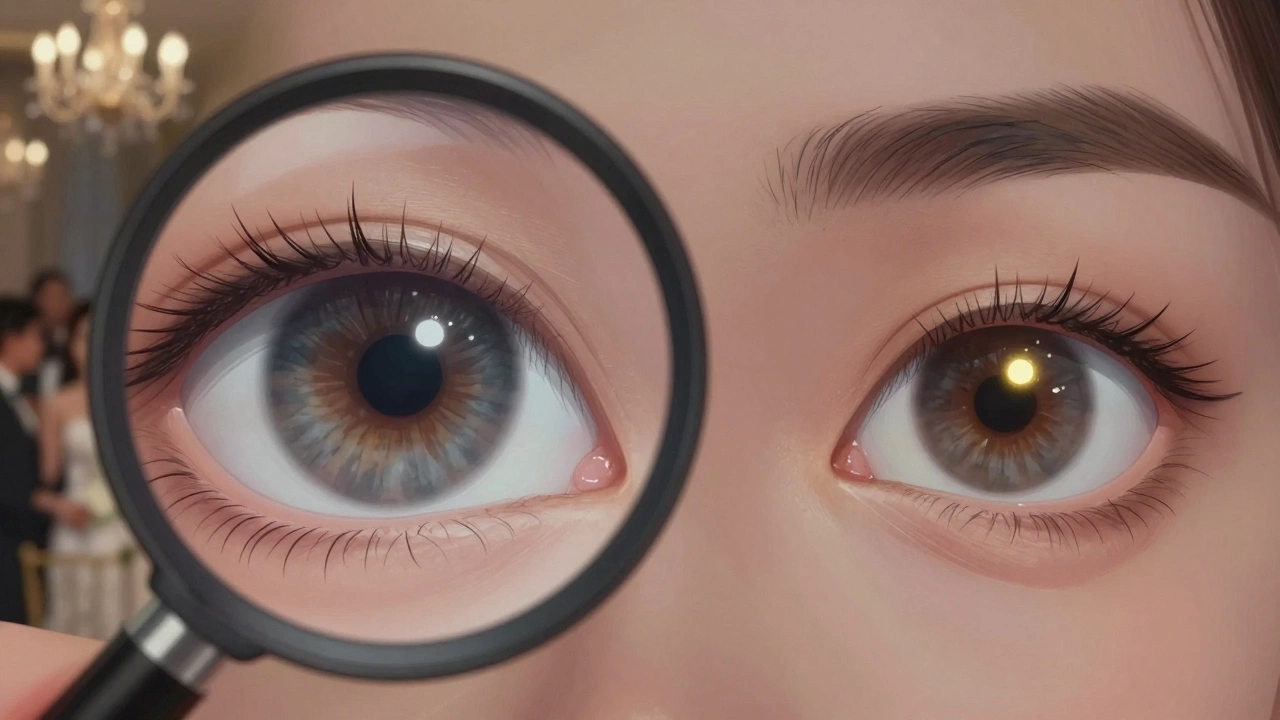
When you use a flash, especially a built-in one on a camera or smartphone, the light hits the subject’s eyes at the same angle as the lens. The pupil, which controls how much light enters the eye, doesn’t have time to react. In low-light settings - like indoor receptions, dimly lit churches, or evening ceremonies - the pupils are wide open. The flash floods the eye with light, but instead of reflecting back cleanly, the light gets absorbed by the back of the eye. That dark spot you see? It’s the fundus - the inner surface of the eyeball, including the retina and optic nerve. Normally, you don’t see this because your pupils shrink in bright light. But in photos taken with flash, the pupils stay dilated. The result? A black pupil that looks unnatural, sometimes even eerie. It’s not the same as red eye. Red eye happens when the flash reflects off the blood vessels in the retina, giving a reddish glow. Black eye is worse - it’s not a color issue. It’s a complete absence of light reflection. And in wedding photos, where emotion and detail matter, those dark eyes can make someone look tired, unwell, or even ghostly.Why wedding photographers see this more than anyone
Wedding photographers work in unpredictable lighting. A ceremony might start in sunlight, move to a candlelit chapel, then shift to a dim ballroom for dinner. Flash is often the only tool to freeze motion and capture sharp faces in low light. But here’s the catch: the more you rely on flash, the more you risk black eyes. Couples often want candid shots - laughing, crying, dancing. Those moments happen fast. You don’t have time to adjust settings. You fire the flash. And suddenly, the groom’s eyes look like they’ve been painted over with ink. This isn’t just a technical problem. It’s an emotional one. Families pay for photos to remember joy. Black eyes can ruin that memory. You’ve captured the hug, the kiss, the tear - but the eyes? They’re voids. It’s like losing the soul of the image.How to prevent black eyes in wedding photos
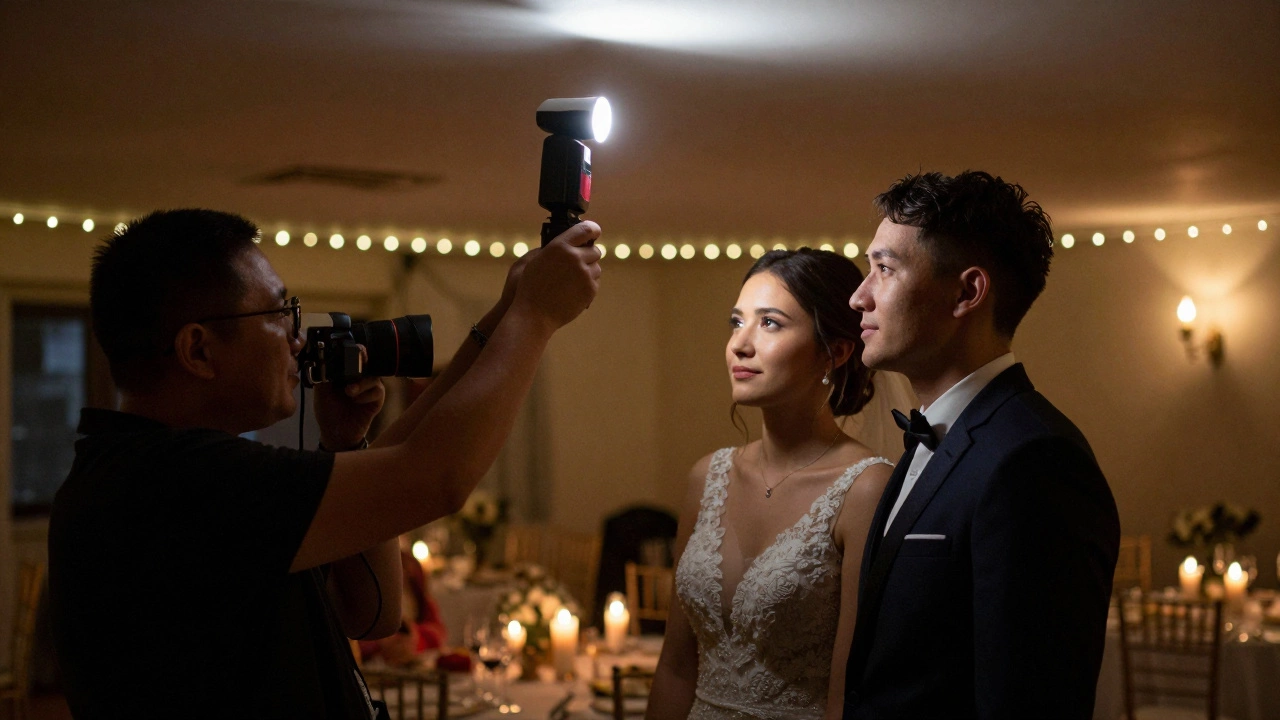
You can’t always avoid flash, but you can control how it hits the eyes. Here’s how:- Use an external flash - Bounce the light off a ceiling or wall instead of pointing it straight at the face. This spreads the light out and reduces direct glare. Even a $50 bounce card can make a huge difference.
- Increase ambient light - Open curtains, turn on overhead lights, or use continuous LED panels. The more natural light you have, the smaller the pupils become, and the less likely they are to stay wide open when the flash fires.
- Shoot at a wider aperture - Use f/2.8 or lower if possible. This lets in more light without needing as much flash power. Pair it with a higher ISO (like 800-1600) to keep exposure balanced.
- Move the flash off-camera - Use a wireless trigger and position the flash to the side or above. This changes the angle of light so it doesn’t travel straight into the lens. No direct path = no black eyes.
- Use the camera’s red-eye reduction mode - It’s not perfect, but it fires a pre-flash to shrink pupils before the real shot. Works best in controlled settings, not during fast-moving dances.
- Wait for natural light - If you’re shooting portraits during golden hour, skip the flash entirely. Use reflectors instead. No flash = no black eyes.
Can you fix black eyes in editing?
Yes - but it’s not ideal. Photoshop or Lightroom can brighten the pupil area, but it’s a band-aid. You’re guessing where the natural highlight should be. If the pupil is completely black, you might end up making it look unnatural - like a glossy contact lens or a painted-on iris. Better approach: Use the clone tool to copy a healthy eye from another photo and paste it in. Or, if the subject has one good eye, use symmetry tools to mirror it. But this only works if you have backup shots. That’s why prevention matters more than repair.Real-world example: A Sydney wedding in 2025
Last June, I photographed a wedding at The Botanic Gardens in Sydney. The ceremony was outdoors, but the reception was in a converted warehouse with low ceilings and no windows. The couple wanted a mix of candid and posed shots. I started with the built-in flash on my camera - big mistake. The first 20 photos showed the bride’s eyes as dark pits. The groom looked like he’d been up for three days. I realized halfway through dinner that I needed to switch tactics. I pulled out my external flash, attached a white bounce card, and started shooting from a 45-degree angle. Within five minutes, the eyes looked natural again. The next 150 photos? Perfect. That night, I learned a hard lesson: flash isn’t the enemy. Misused flash is.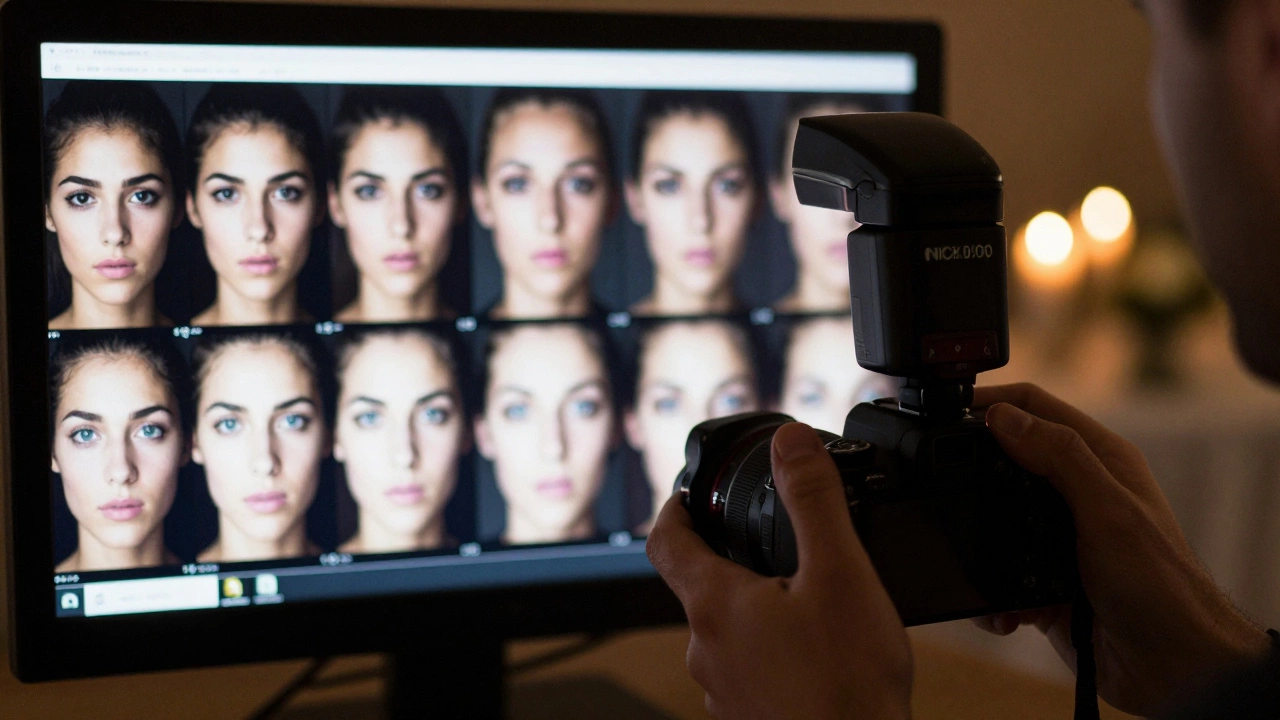
What about smartphone wedding photos?
Guests using phones are the biggest offenders. Their phones have tiny, fixed-position flashes. No bounce. No angle control. No manual settings. And they’re often right in front of the subject - point-blank range. You can’t control what guests do, but you can manage expectations. Tell the wedding party: “Please avoid using flash for portraits.” Offer a simple alternative: “Use the room’s lights, or step closer to the window.” Many guests don’t realize their flash is ruining the shot. Some couples now hire a second shooter just to capture guest moments - and they use no flash at all. They rely on high ISO and fast lenses. It’s a growing trend.Pro tip: Check the eyes before you shoot
Before you press the shutter, glance at the subject’s pupils. Are they wide? Is the room dim? If yes, don’t fire the flash. Adjust first. Move the subject toward a light source. Raise your ISO. Open your aperture. Wait for a moment when the light is better. You don’t need to be perfect. You need to be intentional.Black eyes aren’t a flaw - they’re a signal
When you see black eyes in a photo, it’s not just a technical error. It’s a sign that the lighting setup didn’t match the environment. It’s a reminder that photography isn’t just about capturing moments - it’s about understanding how light behaves in real spaces. Wedding photography is emotional. The eyes are the window to that emotion. If they’re dark, the photo feels hollow. If they’re bright, alive, and reflective - even with a little catchlight - the image breathes. Don’t let flash steal the soul of your wedding photos. Learn to control it. Use it wisely. And always, always check the eyes before you shoot.Why do eyes look black in photos taken with flash?
Eyes look black in flash photos because the pupil doesn’t have time to shrink when the flash fires. In low light, pupils are wide open to let in more light. The flash floods the eye, but instead of reflecting off the iris, the light gets absorbed by the back of the eye (the retina and optic nerve). This creates a dark, pupil-shaped void in the photo. It’s not red eye - it’s the absence of reflected light.
Is black eye effect the same as red eye?
No. Red eye happens when the flash reflects off blood vessels in the retina, creating a red glow. Black eye effect means no light reflects back at all - the pupil appears completely dark. Red eye is a color issue; black eye is a lighting and exposure issue. Black eye is harder to fix and more common in low-light settings like wedding receptions.
Can I fix black eyes in post-processing?
You can, but it’s not ideal. Lightroom or Photoshop can brighten the pupil area, but it often looks unnatural - like a plastic or painted-on iris. The best fix is to clone a healthy eye from another photo and mirror it. But this only works if you have multiple shots. Prevention is always better than editing.
Do professional wedding photographers use flash?
Yes, but not the kind you see on smartphones. Pros use external flashes mounted off-camera, bounced off ceilings or walls, or diffused with softboxes. This spreads the light gently and avoids direct glare into the lens. Built-in camera flashes are rarely used in professional wedding work because they cause black eyes and harsh shadows.
How can I avoid black eyes in my wedding photos?
Use ambient light whenever possible - open curtains, turn on room lights, or shoot near windows. If you must use flash, bounce it off a ceiling or wall. Use an external flash, not the camera’s built-in one. Increase your ISO and open your aperture to reduce flash power. And always check the subject’s eyes before shooting - if they look dilated, adjust your lighting first.